HOUSEHOLD CONFIGURATION
Household · dual connector · display · 14kW
- Configuration
- Household
- Power label
- 14KW
- Display
- Display
- Cable length
- 5m
- Connectors
- Dual connector
- Mounting
- Wall-mounted

WALL-MOUNTED AC · TWO SOURCE CONFIGURATIONS
Compare the household and commercial versions of this wall-mounted dual-connector AC charger. Both source order records list a display, 5m cables and wall-mounted installation.
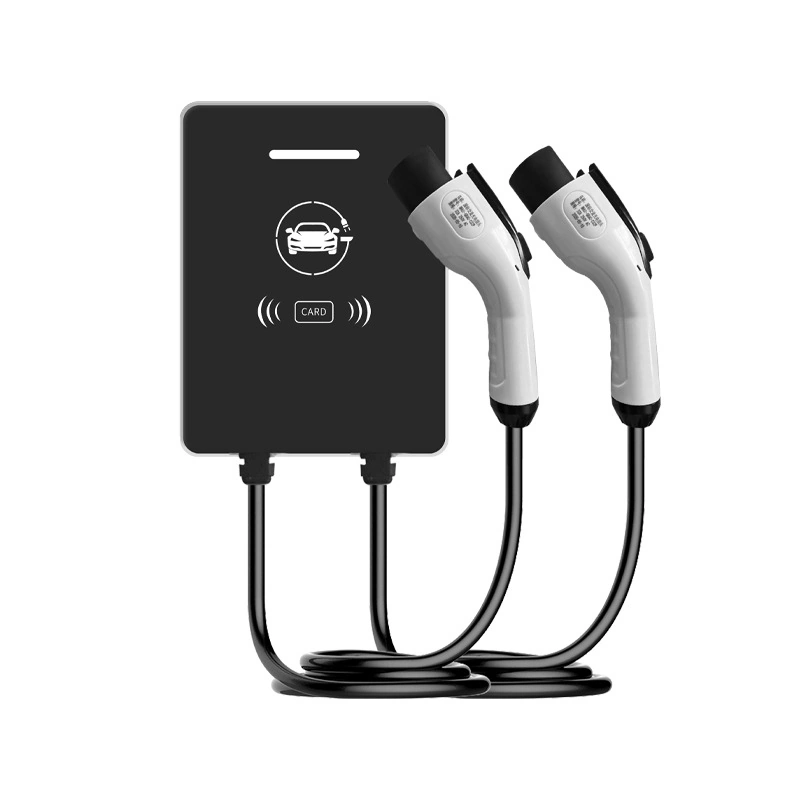
The source distinguishes household and commercial order labels. These labels do not by themselves confirm an App, a payment service, a backend connection or the available scheduling functions.
HOUSEHOLD CONFIGURATION
COMMERCIAL CONFIGURATION
The 14kW value is the source power label. Confirm power sharing, simultaneous output and the required supply for the selected version; no per-connector power or phase has been inferred.
Keep the following product-level source entries with their own documentation. They are not a separate tested rating or certificate for each order configuration.
| Source dimensions | 246*100*314mm |
|---|---|
| Source enclosure material | Sheet metal |
| Source display type | LED display |
| Source working temperature | -20~50°C |
| Source power type | AC |
| Source protection rating | IP54 |
| Source standard classification | Chinese-standard source classification |
| Source rated output current | 32A |
| Source rated output voltage | AC380V |
| Source standard reference | GB/T18487.1-2015 |
| Source rated input voltage | AC380V |
| Source appearance colour | Black |
| Source rated input frequency | 50-60Hz |
| Source standby power | <3W |
The illustration below prints AC220V for input and output, while the source catalogue lists AC380V for both. They are separate source values, not a combined supply range or an assignment to the household and commercial versions.
The catalogue dimensions are 246*100*314mm without named axes. The illustration prints a separate control-box size of 365*265*90MM and 50HZ, while the catalogue frequency is 50-60Hz. Obtain the matching drawing and electrical document for the selected version. The GB/T reference and IP54 label are source entries, not a new declaration of certification or installation suitability.
Keep the two source sets distinct when requesting a sample and installation drawing. A different printed value is not silently substituted into the other record.
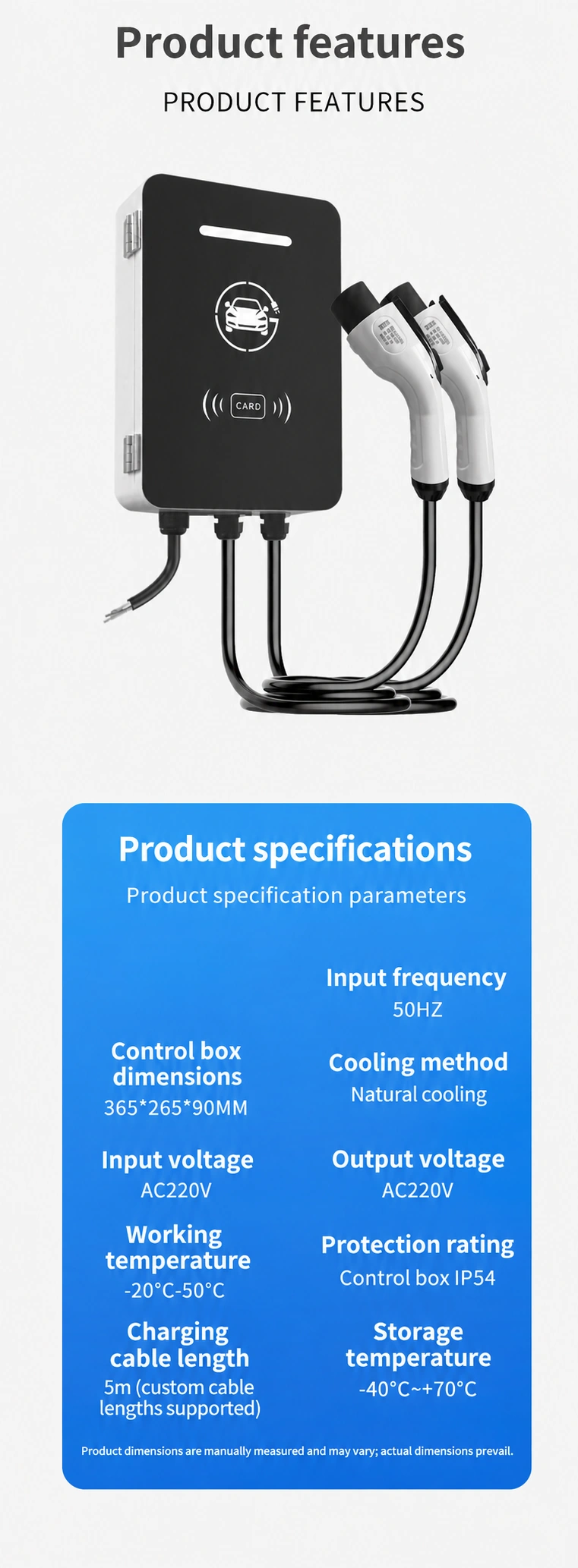
| Property | Illustration | Catalogue / order record |
|---|---|---|
| Input frequency | 50HZ | 50-60Hz |
| Control box dimensions | 365*265*90MM | 246*100*314mm |
| Cooling method | Natural cooling | Not listed |
| Input voltage | AC220V | AC380V |
| Output voltage | AC220V | AC380V |
| Working temperature | -20°C-50°C | -20~50°C |
| Protection rating | Control box IP54 | IP54 |
| Charging cable length | 5m (custom cable lengths supported) | 5m |
| Storage temperature | -40°C~+70°C | Not listed |
Size labels do not identify axes. Input and output voltage and frequency require version-specific confirmation; no phase, per-connector output or combined electrical range has been calculated.
START METHODS
Compare the three interfaces shown in the source material. Keep the start method with the version and site requirements you are discussing.
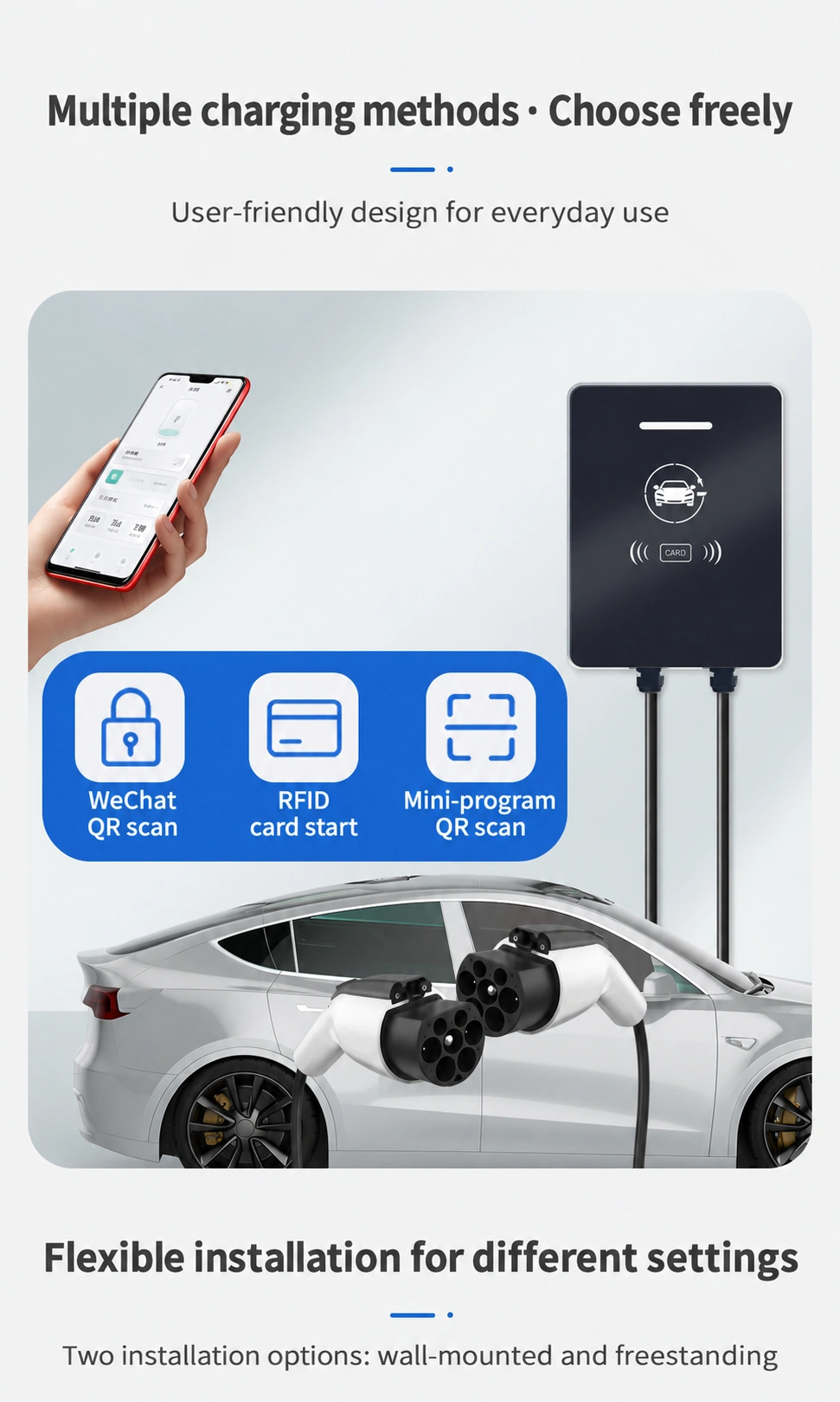
The illustration shows a WeChat scanning option. Ask for the supported region, account requirements and operating instructions.
Identify the card and activation procedure for the selected version, including any card quantities required.
Specify the mini-program interface you need and request the matching version and demonstration.
These illustrations do not establish overseas app, payment or management-platform availability.
CHARGING CONTROL
Keep the controller information with the household or commercial version you are discussing. Ask for the controller specification, enabled functions and supporting report.
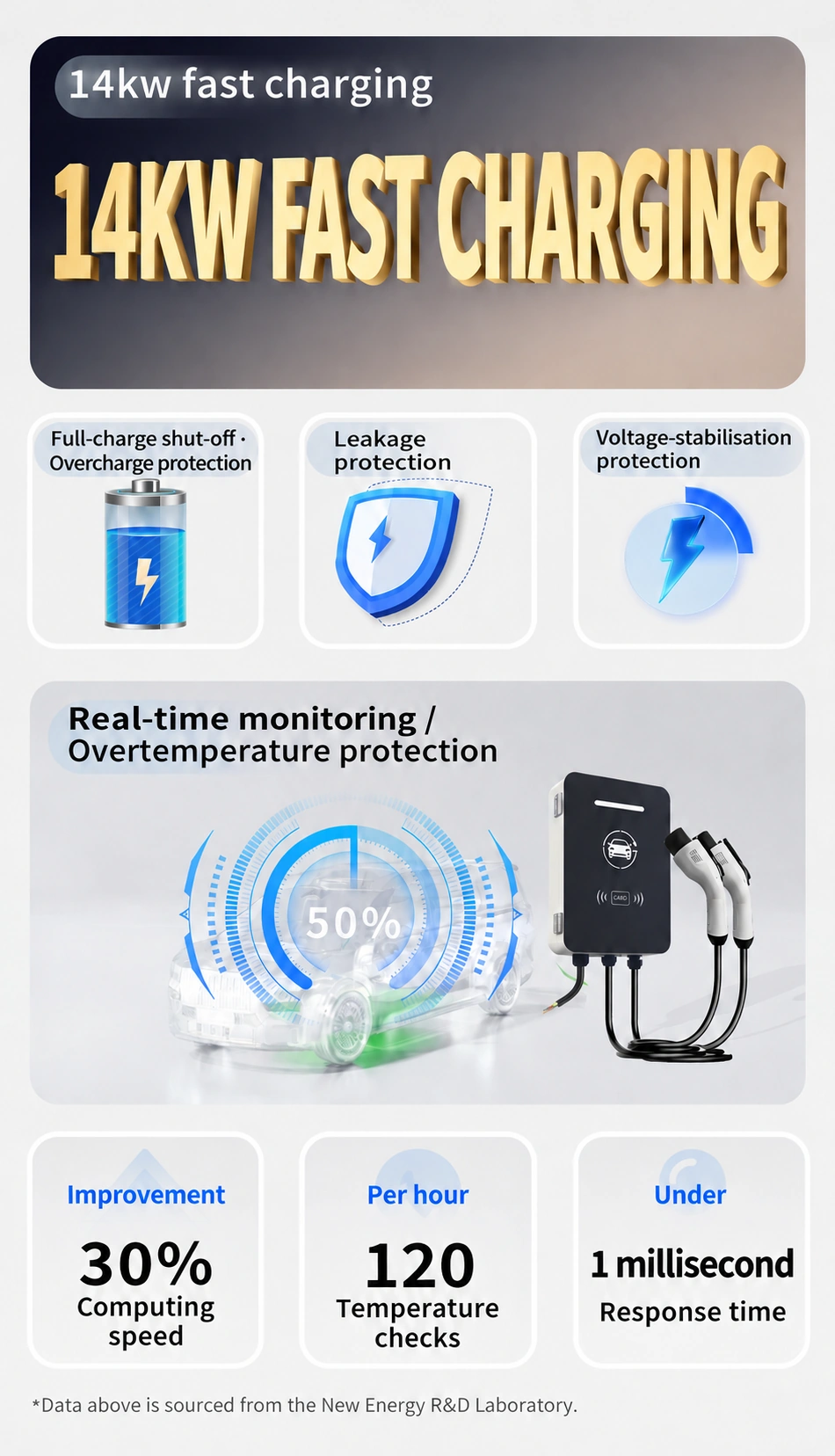
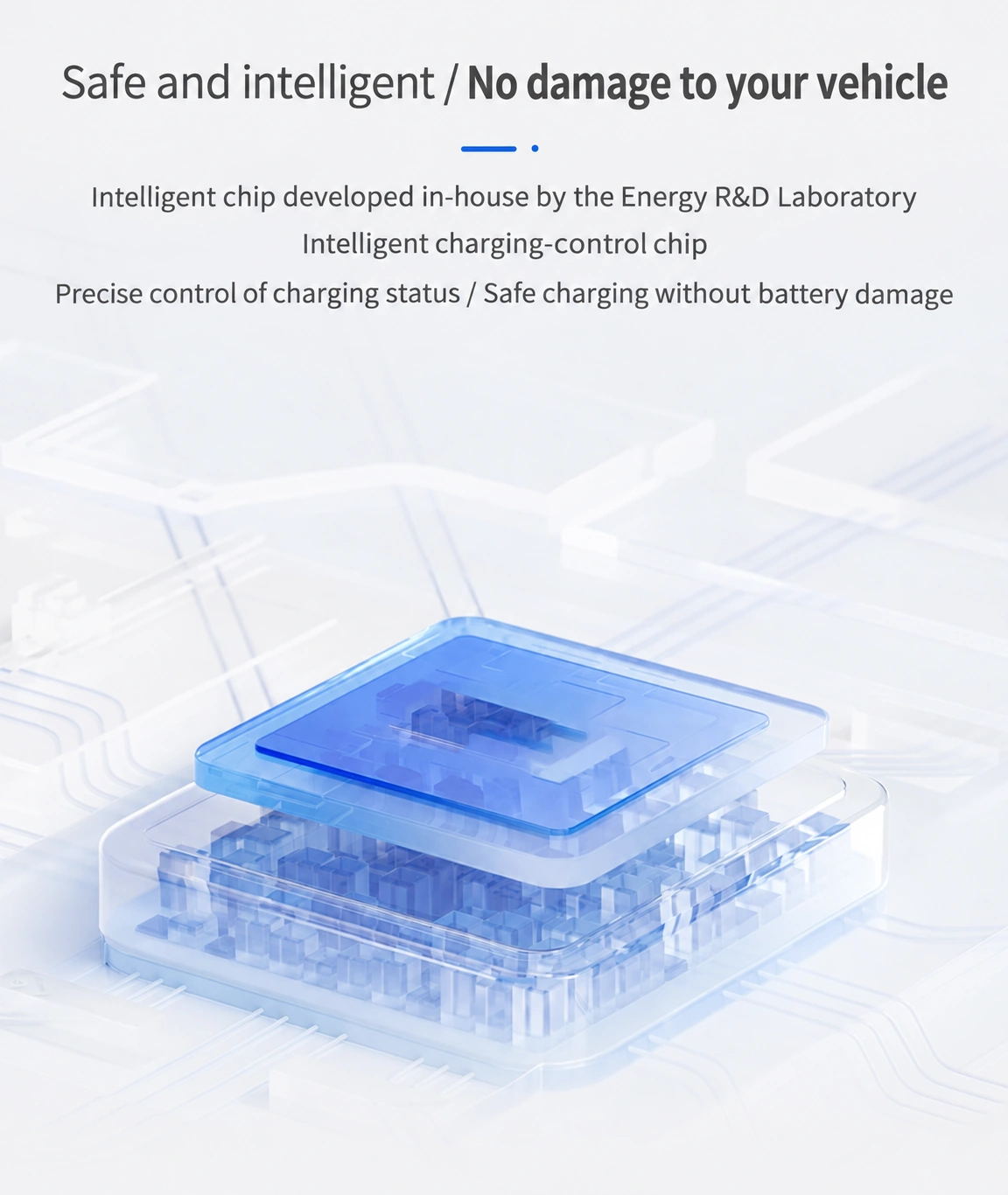
The performance figures and laboratory attribution belong to the source illustration; they are not a new test performed by SUNFULL.
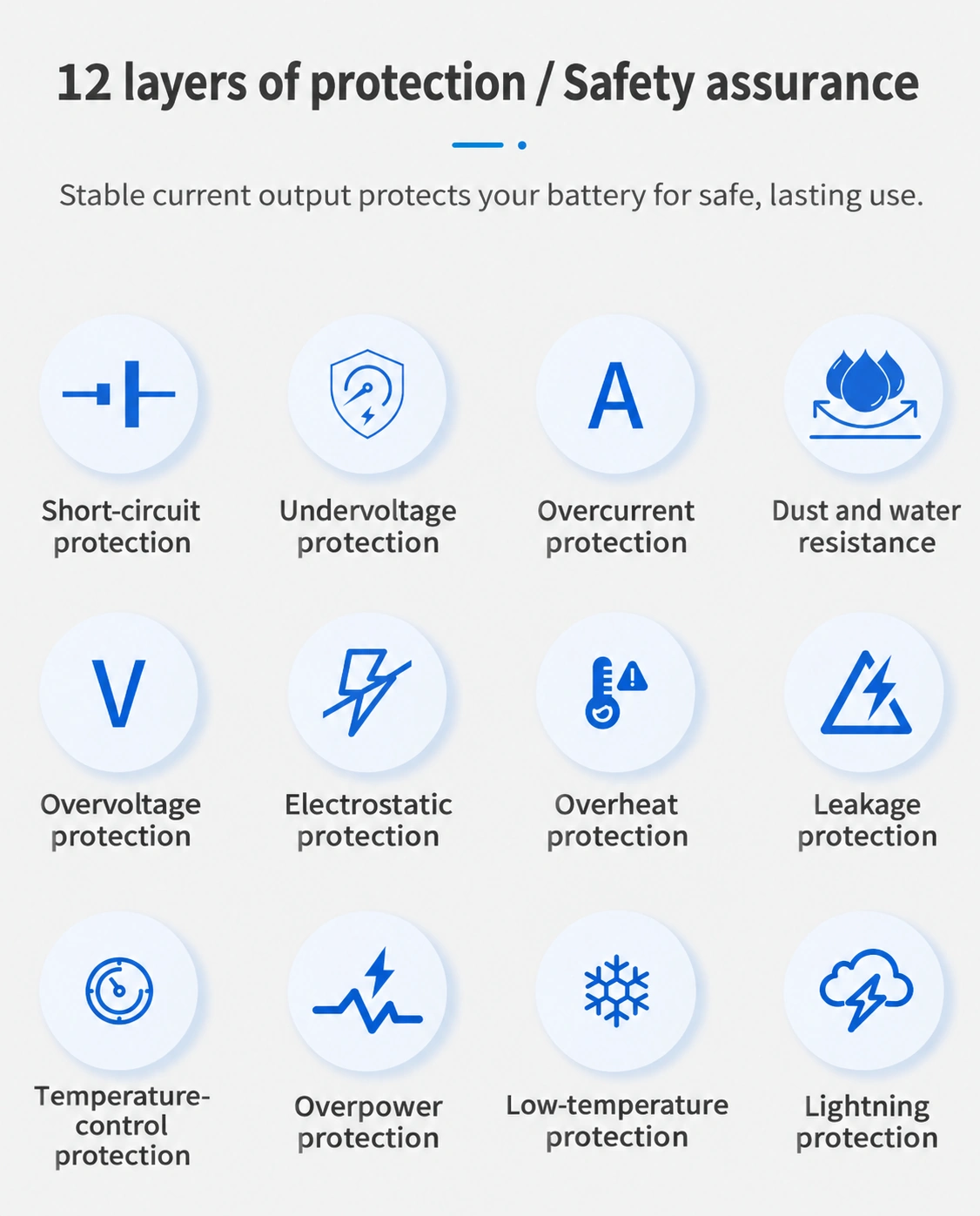
The source lists these eleven protection labels. Request the matching documentation and sample for the exact version; the labels alone are not test reports.
Use these topics when requesting the version-specific safety and protection documents.
SOURCE SCHEDULING ILLUSTRATION
The source illustration shows a lower-nighttime and higher-daytime example with the following time labels. Actual tariffs, time zones and scheduler availability must be confirmed for the market and selected version.
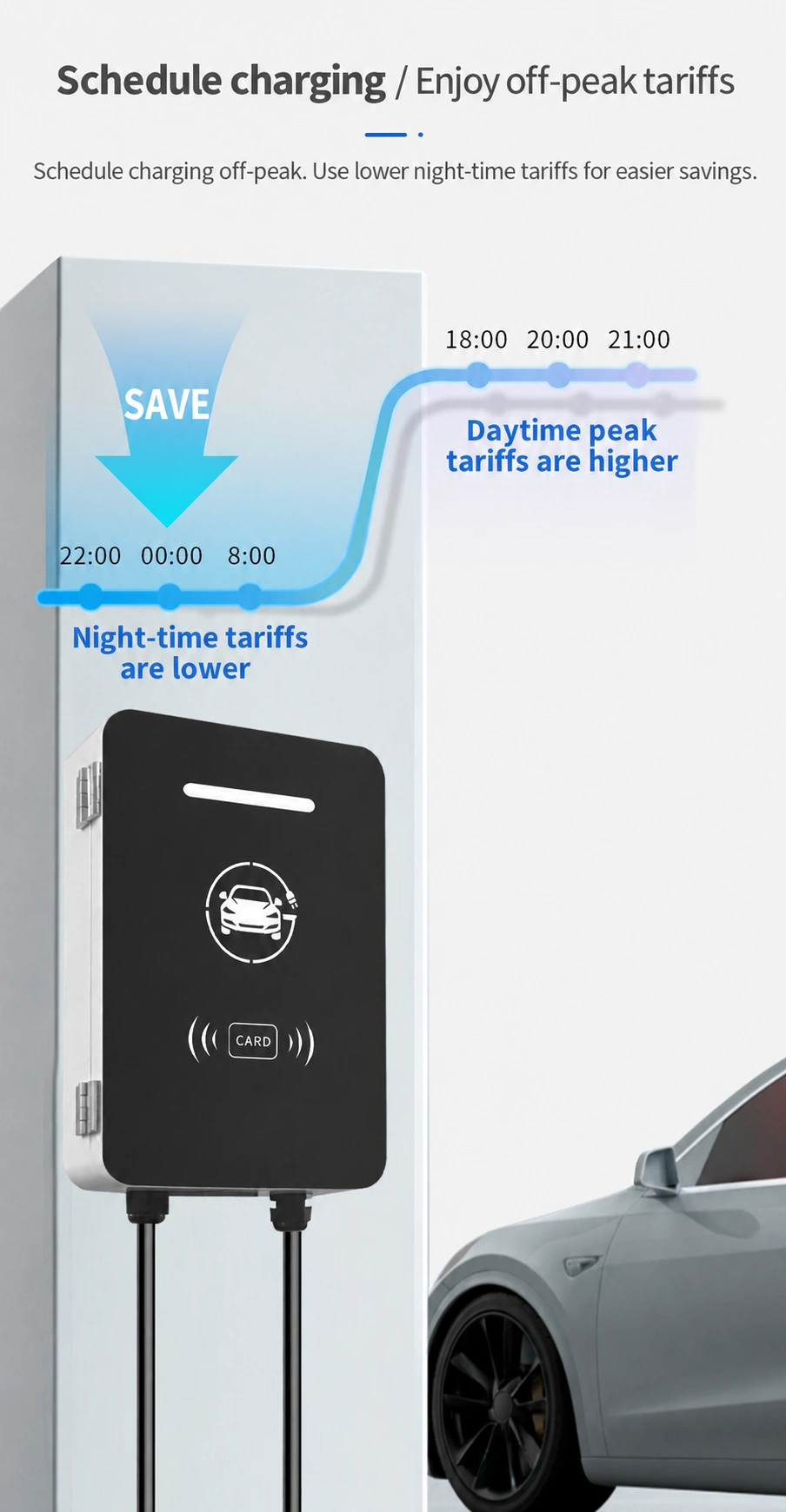
This is an English explanation of the source illustration, not measured price data, a configured schedule or a savings guarantee.
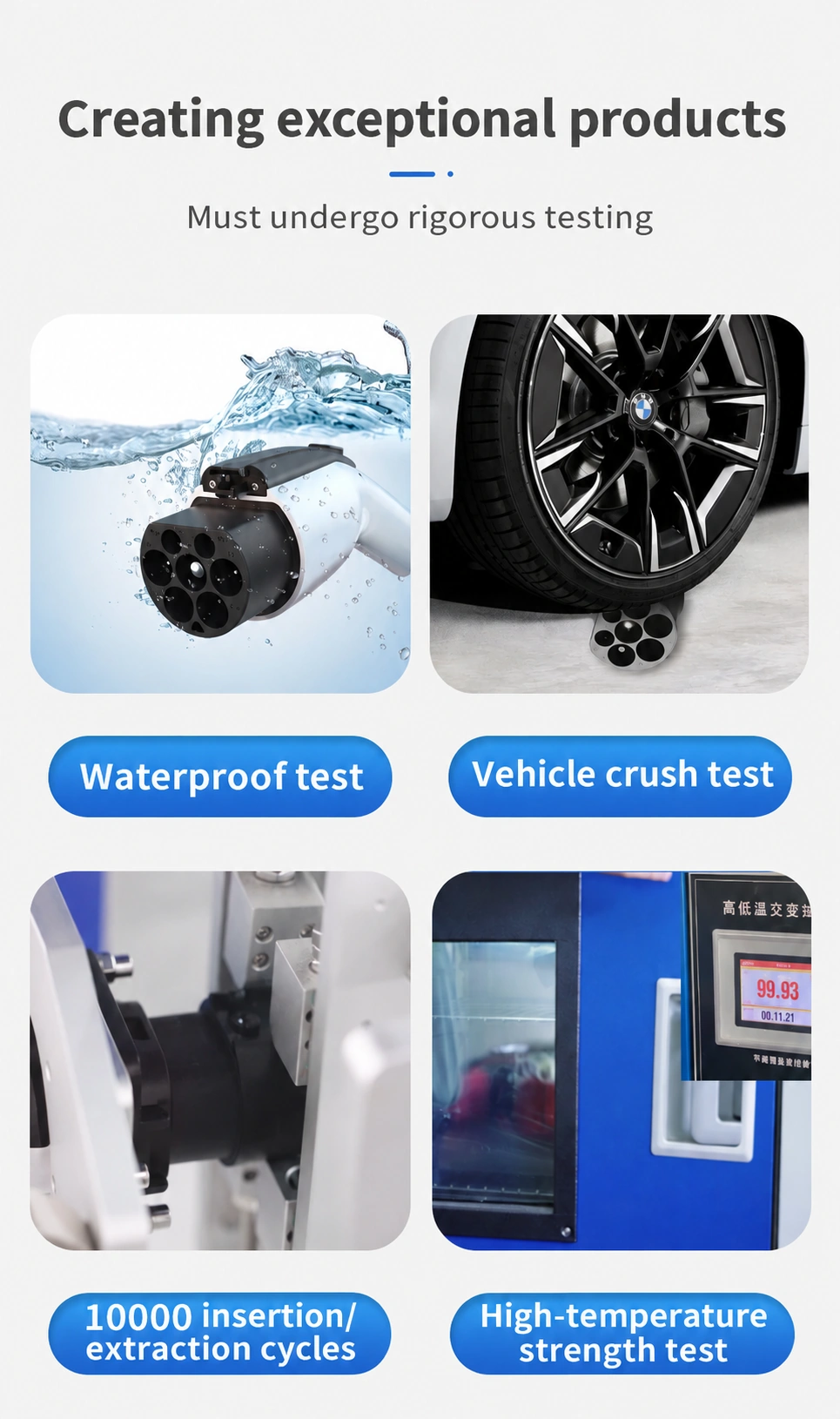
Confirm the connector and enclosure, exposure conditions and applicable report.
Request the connector version, load and test procedure.
Match the connector sample and cycle-test conditions to the selected version.
Request the temperature, duration and report. Photographed instrument markings alone do not establish a rated limit.
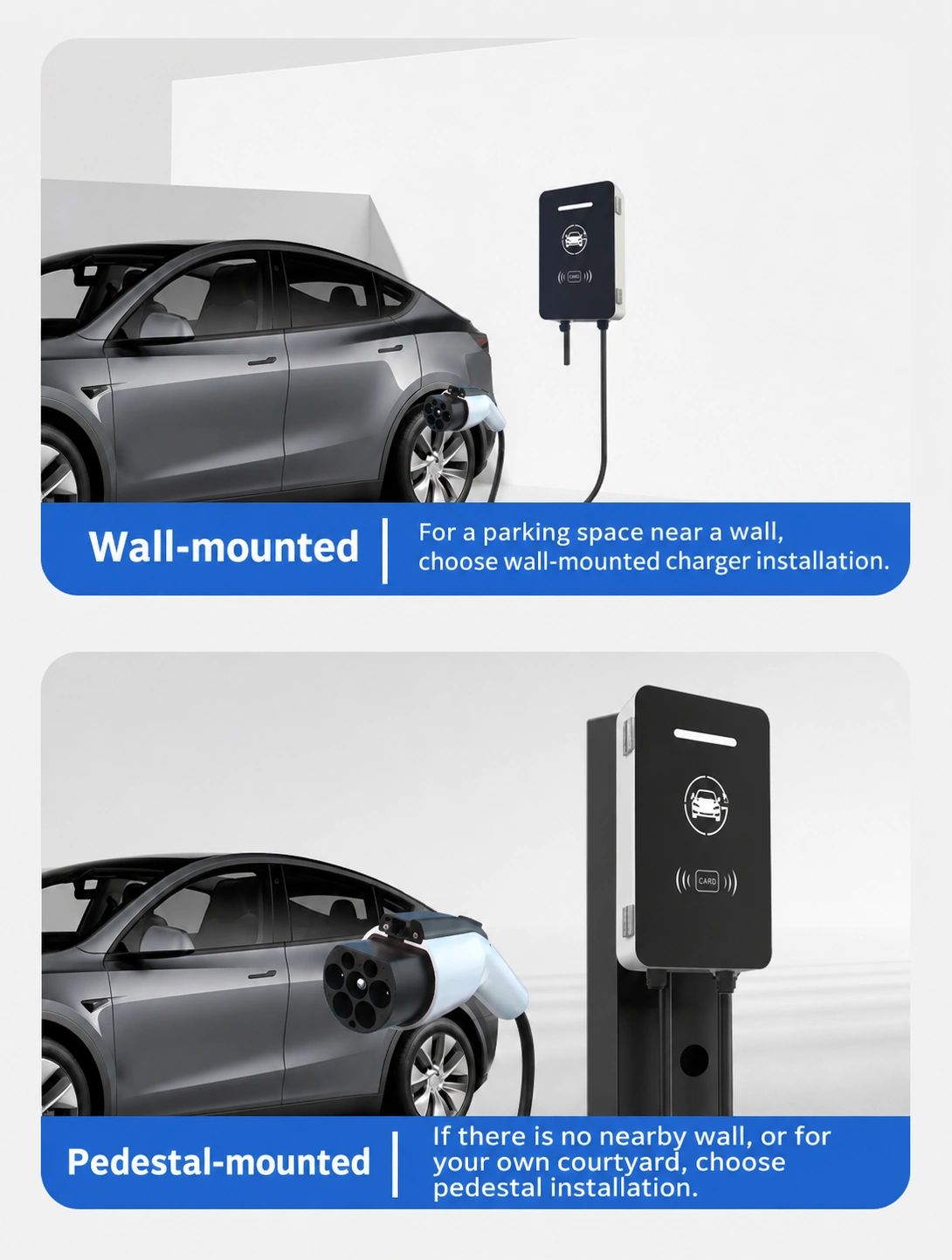
For a parking space near a wall, the source shows wall-mounted installation. Confirm the wall position, cable reach, fixings and electrical installation requirements.
For a space without a nearby wall, or for a courtyard, the source shows a pedestal arrangement. Request the pedestal specification and mounting kit as part of the quotation.
Share the available supply, wall or foundation details, parking layout and the distance from the vehicle. Keep installation requirements with the selected configuration.
HOUSEHOLD AND COMMERCIAL PLANNING
The source material shows three application settings. Use the corresponding site requirements to identify the version and installation documents for your project.
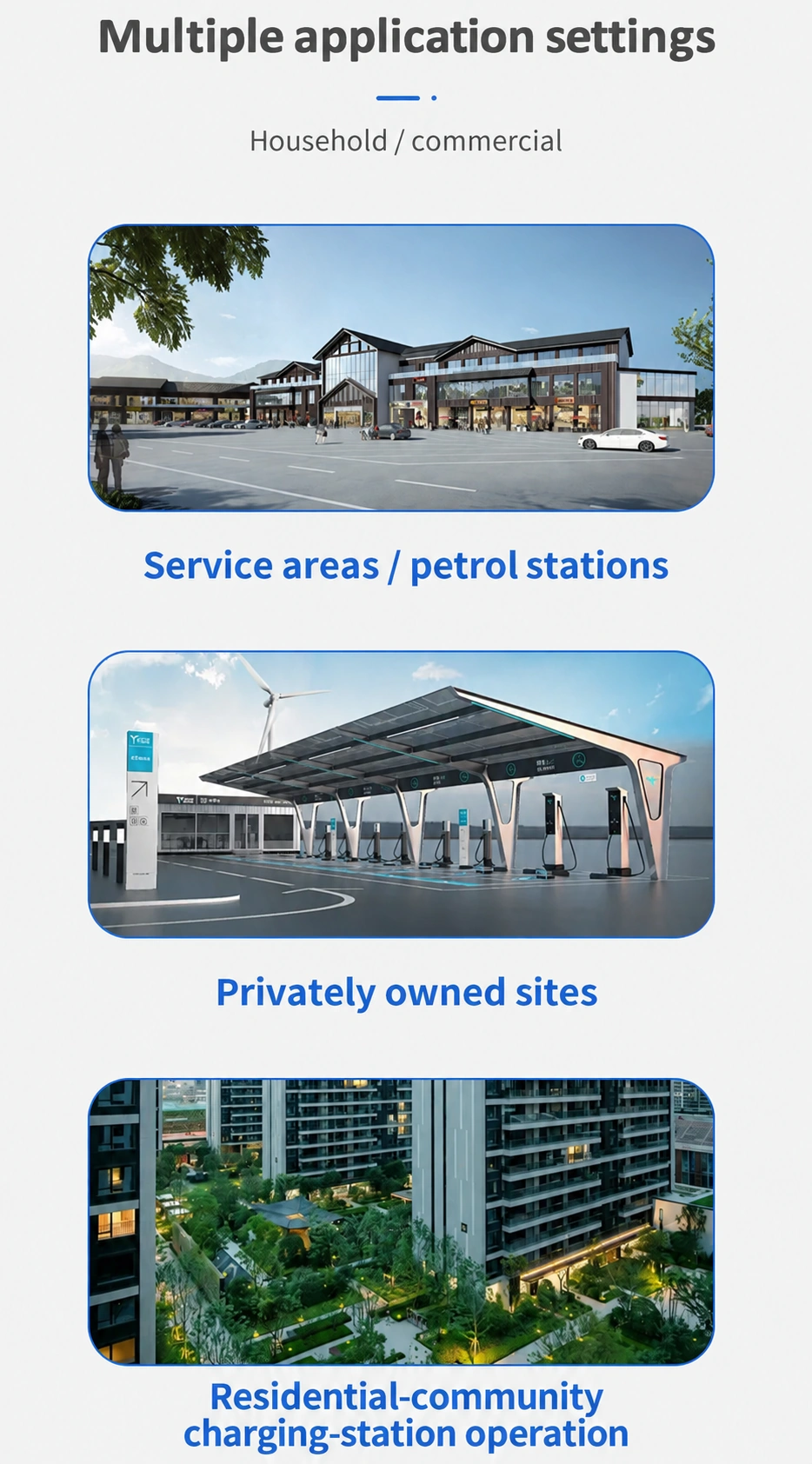
Describe the parking layout, available electrical supply and intended users.
Identify the wall position, access requirements and the configuration you need.
Discuss parking management, the required start method and installation requirements.
CHARGING-TIME PLANNING
Use the example to identify the battery and power information needed for a charging-time discussion. Keep the catalogue electrical values above separate from the voltages printed in this illustration.
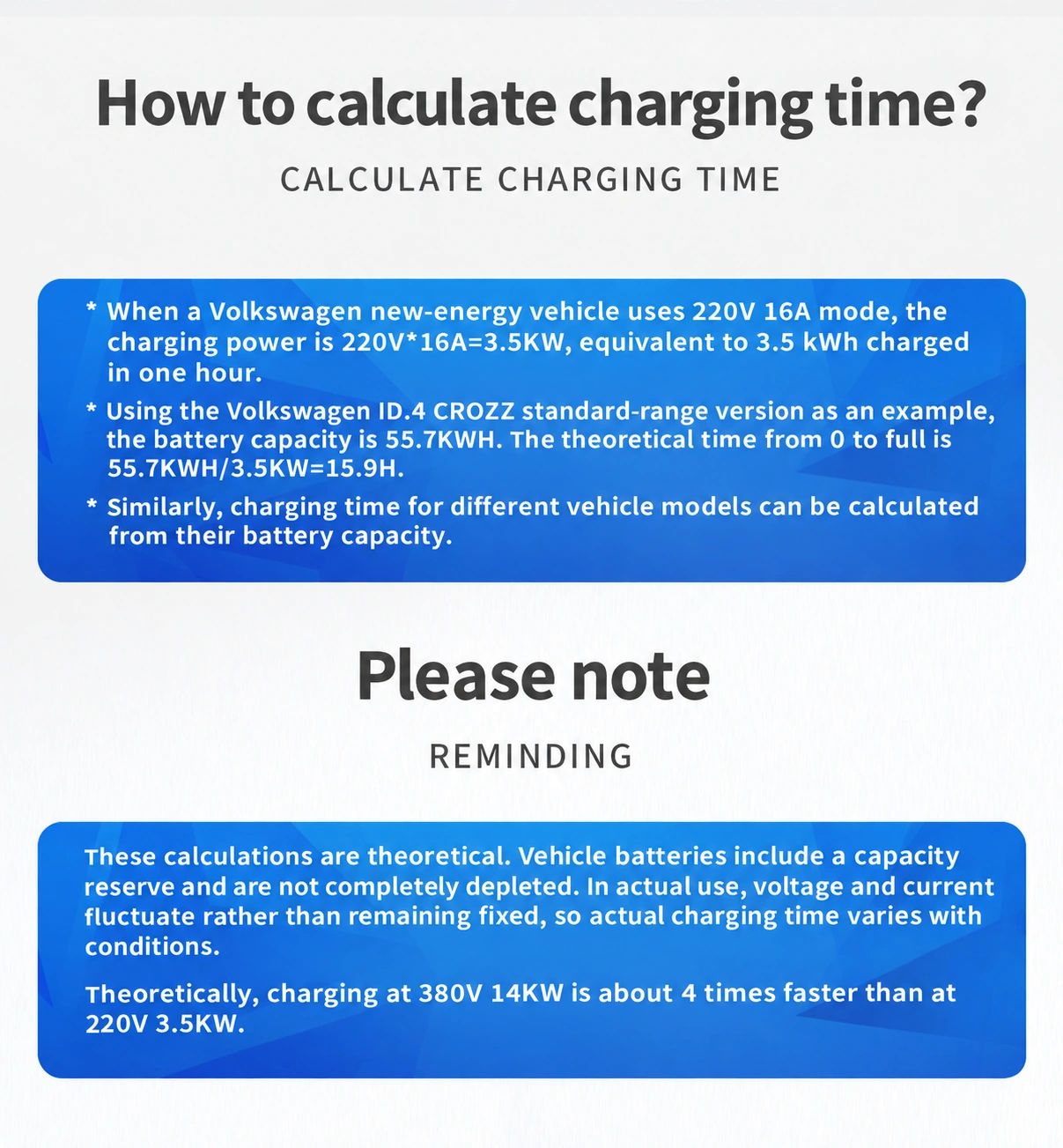
220V * 16A = 3.5KW
The source labels the example as 3.5KW and describes 3.5 kWh charged in one hour.
55.7KWH / 3.5KW = 15.9H
The source uses a Volkswagen ID.4 CROZZ standard-range example with a stated 55.7KWH battery capacity, from 0 to full.
380V 14KW: about 4 times faster than 220V 3.5KW
This is the printed theoretical comparison. Actual voltage, current, battery reserve and charging conditions affect elapsed time.
Choosing a configuration only adds an editable description to the request. It does not submit automatically.
No configuration selected.