AC7-01 · Household · 3m
- Use
- Household
- Start method
- Plug-and-charge
- Connection option
- Not specified
- Scheduling
- Not specified
- Cable
- 3m
- Power label
- 7KW

SINGLE-CONNECTOR AC · HOUSEHOLD AND COMMERCIAL
Compare fourteen charger configurations across two cable lengths. Choose the start method and connection option for your project; the pedestal is listed separately as an accessory.
Source charger records specify a single connector and wall-mounted installation. App, Bluetooth, Wi-Fi and 4G wording varies by configuration.
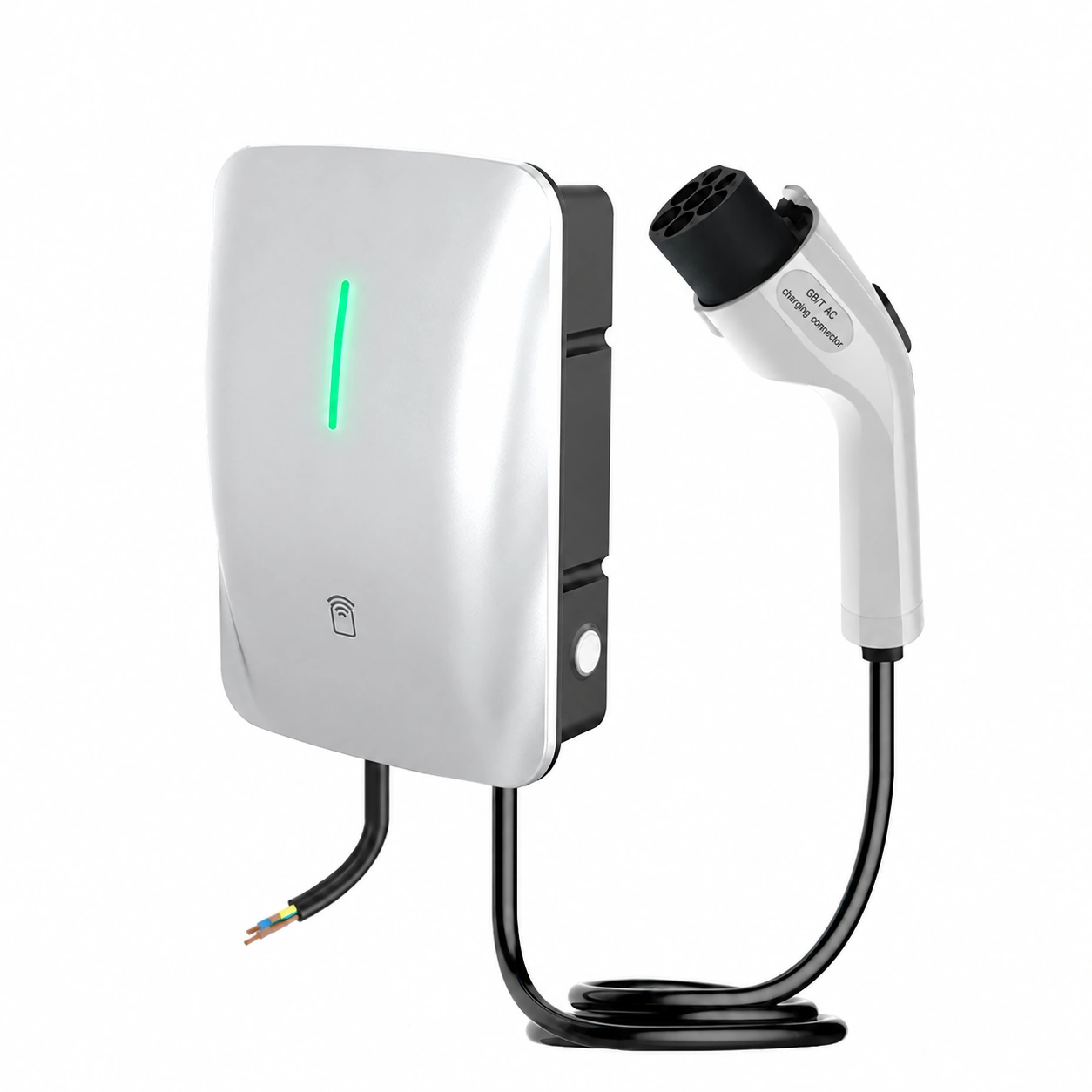
Seven listed start and connection combinations are offered with 3m cables and the same seven with 5m cables. Keep the cable length with the exact option you discuss.
| Option | Use | Start method | Connection option | Scheduling | Cable | Power label | Select |
|---|---|---|---|---|---|---|---|
| AC7-01 | Household | Plug-and-charge | Not specified | Not specified | 3m | 7KW | |
| AC7-02 | Household | RFID card / NFC | Not specified | Not specified | 3m | 7KW | |
| AC7-03 | Household | RFID card | Bluetooth | Scheduling | 3m | 7KW | |
| AC7-04 | Household | Plug-and-charge | Wi-Fi / Bluetooth | App scheduling | 3m | 7KW | |
| AC7-05 | Household | RFID card | Wi-Fi / Bluetooth | App scheduling | 3m | 7KW | |
| AC7-06 | Household | RFID card / NFC | 4G remote | Remote scheduling | 3m | 7KW | |
| AC7-07 | Commercial | RFID card / NFC | 4G remote | Remote scheduling | 3m | 7KW | |
| AC7-08 | Household | Plug-and-charge | Not specified | Not specified | 5m | 7KW | |
| AC7-09 | Household | RFID card / NFC | Not specified | Not specified | 5m | 7KW | |
| AC7-10 | Household | RFID card | Bluetooth | Scheduling | 5m | 7KW | |
| AC7-11 | Household | Plug-and-charge | Wi-Fi / Bluetooth | App scheduling | 5m | 7KW | |
| AC7-12 | Household | RFID card | Wi-Fi / Bluetooth | App scheduling | 5m | 7KW | |
| AC7-13 | Household | RFID card / NFC | 4G remote | Remote scheduling | 5m | 7KW | |
| AC7-14 | Commercial | RFID card / NFC | 4G remote | Remote scheduling | 5m | 7KW |
“Not specified” means the source name does not state that field. Connection labels do not establish overseas network, payment or management-platform availability; request the matching instructions and demonstration.
The fifteenth source order record is a pedestal. Its cable and connector fields are listed as “Other”; no charger power rating is assigned to the accessory.
These entries describe the charger platform in the supplied catalogue. They are kept separate from the pedestal accessory and from any different values printed in the source illustrations.
| dimensions | 269.9*188.9*89.1MM |
|---|---|
| enclosure material | PC+ABS flame-retardant material |
| display type | No display screen |
| working temperature | -30~50°C |
| power type | AC |
| protection rating | IP67 |
| standard classification | Chinese-standard source classification |
| rated output current | 32A |
| rated output voltage | AC220V |
| standard reference | GB/T18487.1-2015 |
| rated input voltage | AC220V |
| appearance colour | Silver gray |
| rated input frequency | 50-60Hz |
| standby power | <3W |
Dimensions have no named axes. The standard reference and IP67 entry are source catalogue wording, rather than a new certification or installation approval. The source does not specify electrical phase.
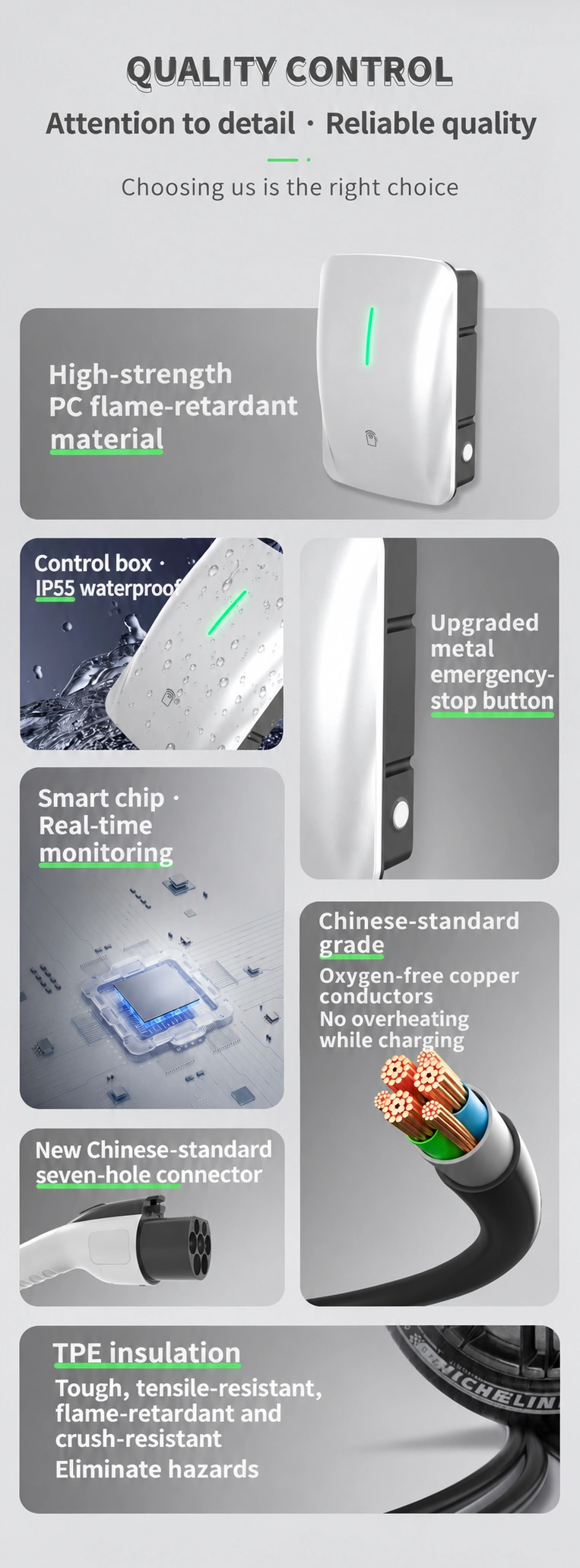
The illustration labels the case as high-strength PC. The catalogue describes PC+ABS flame-retardant material; confirm the selected enclosure specification.
The material illustration labels the control box IP55. The catalogue lists IP67 separately. Request the rating and report for the enclosure supplied in the quotation.
The illustration shows the round metallic button on the side of the enclosure. Ask for the selected version’s emergency-stop and restart instructions.
The illustration describes a smart chip with real-time monitoring. Request the enabled protection functions and operating documentation for your selected configuration.
The artwork describes oxygen-free copper conductors and no overheating while charging. Confirm the cable construction, conductor size and applicable test documentation for the ordered version.
The source shows a Chinese-standard seven-hole connector. Provide the vehicle inlet and request the matching connector specification; an appearance illustration does not establish compatibility with every vehicle.
The illustration describes tensile strength, flame resistance and crush resistance for the TPE layer. Keep the insulation specification with the cable length and version you select.
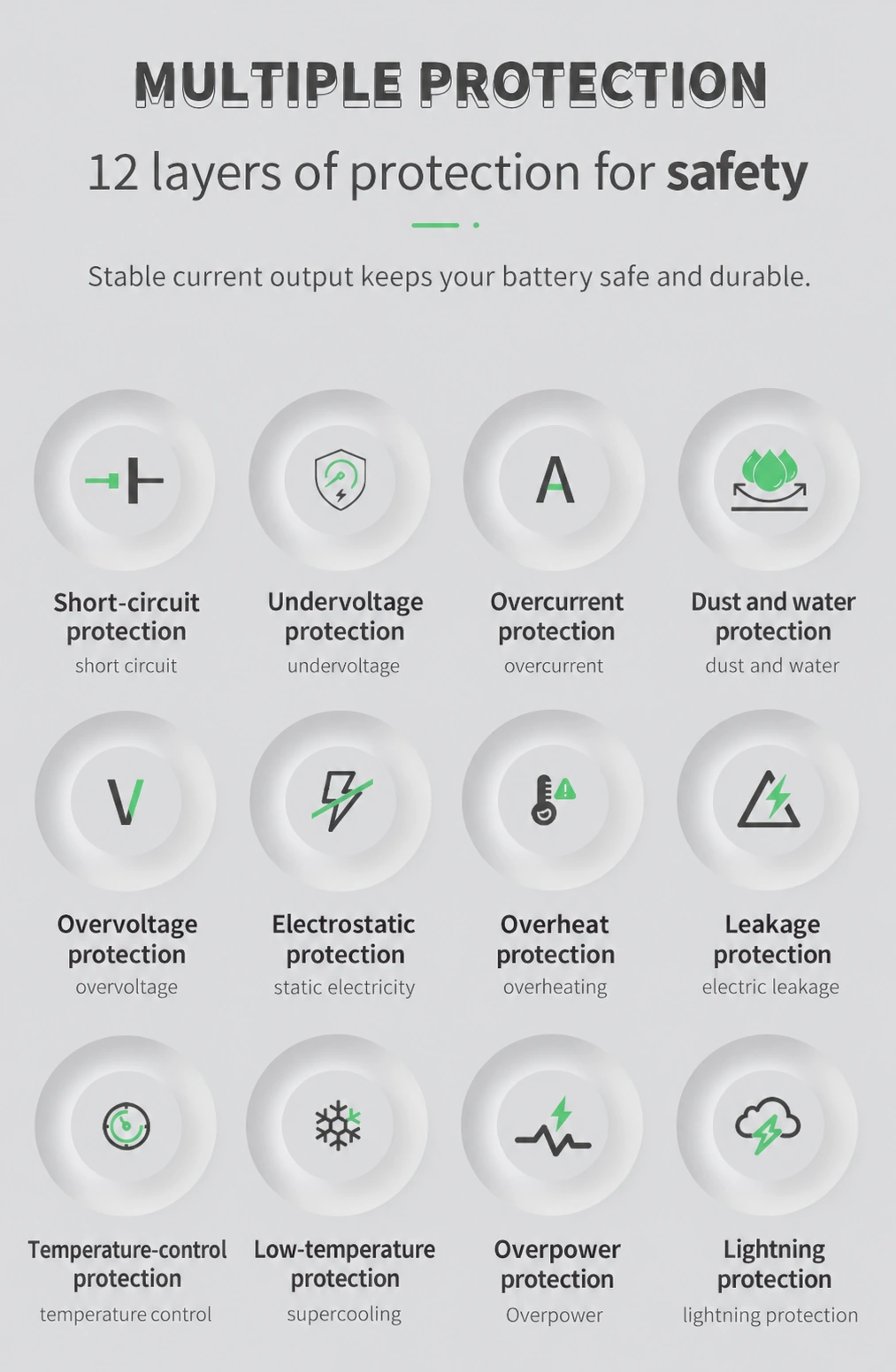
Use the exact configuration and enclosure when requesting supporting documents. Do not combine the eight catalogue topics and twelve illustration labels into a new total.
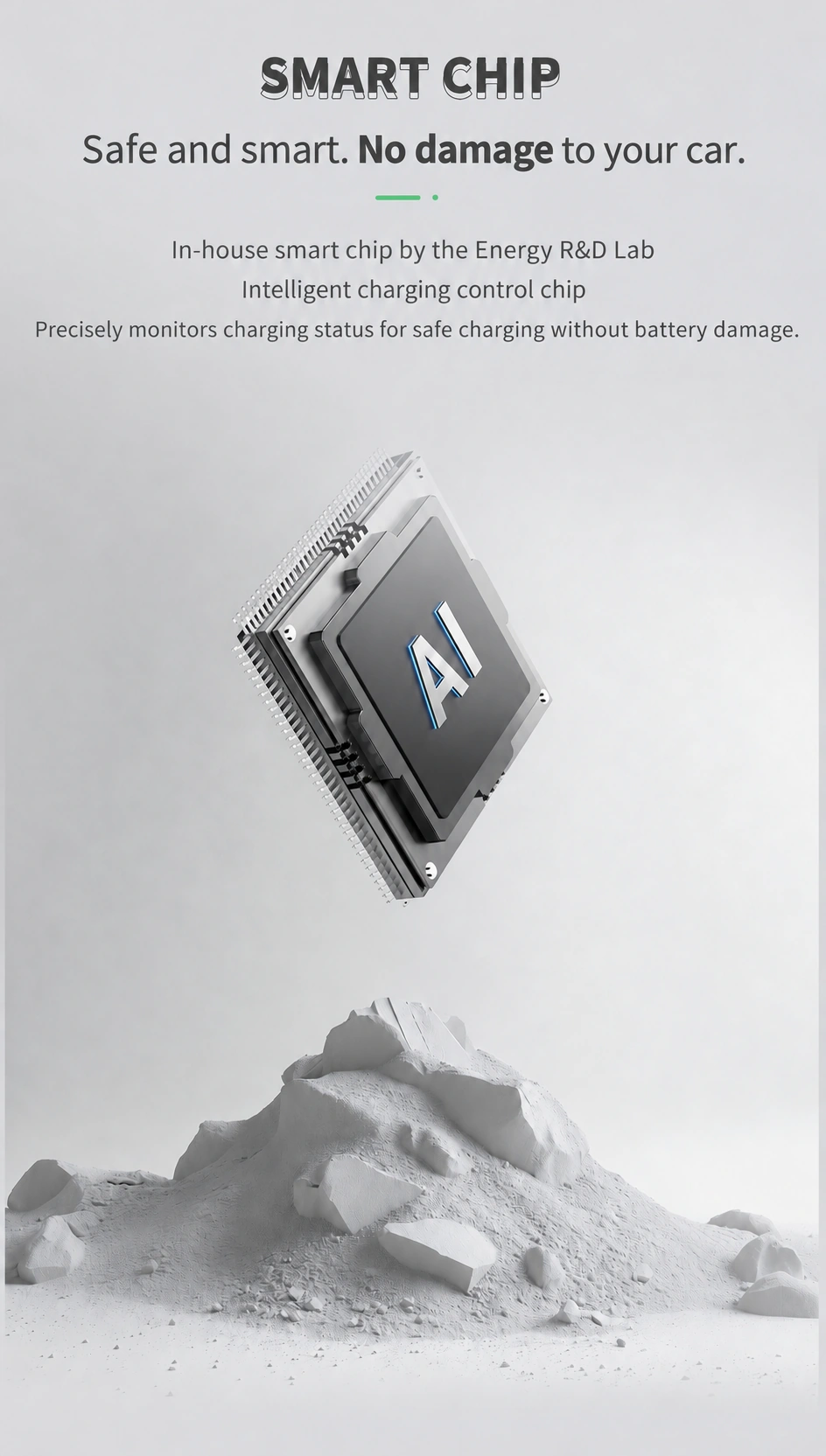
The source artwork describes a charging-control chip and monitoring of the charging status. Use the selected configuration's controller and operating instructions when comparing the charging-control options.
The chip artwork is an illustration, rather than an exact component identification for all fourteen charger configurations. Keep the controller, firmware and operating instructions with the version being quoted.
Selections add editable wording to your requirements. Review a draft before choosing the explicit submission action.
Compare the AC wallbox range · OEM and wholesale discussion · Contact SUNFULL